
Available now
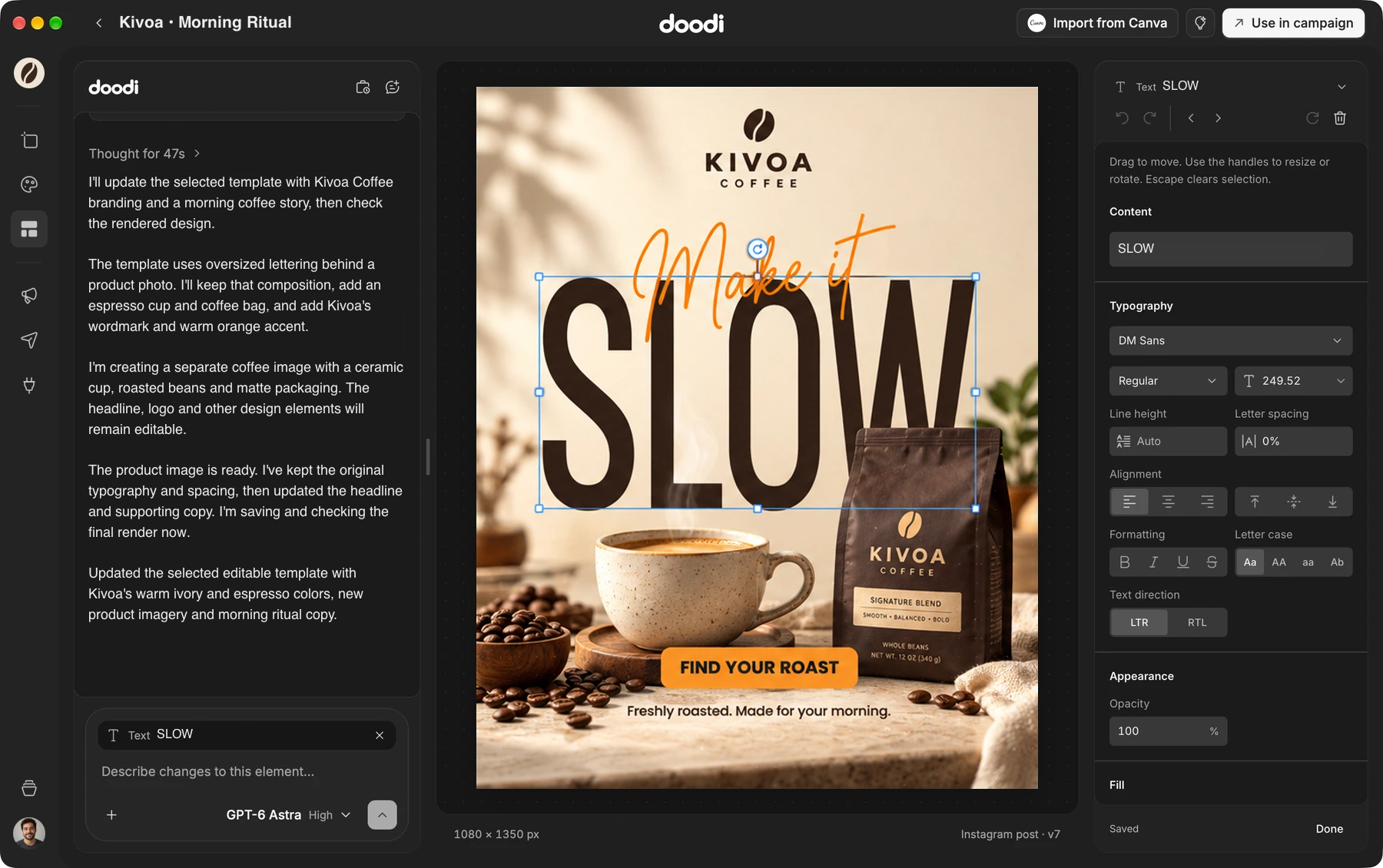
- Create editable social designs with AI, organize campaigns and reuse templates.
- Keep brand details, colors and assets together in a project.
- Export your designs and publish through available connected accounts.
Setup and installation
- Install Doodi from the drag-to-Applications disk image.
- Activate with your purchase email and license key.
- First-time setup checks Node.js and Codex CLI, using compatible installed copies or downloading verified private copies when needed.
Image tools
- Remove image backgrounds with Apple Vision on macOS 14 and newer, with a downloadable fallback for macOS 13.
- Export PNGs with macOS WebKit by default, or download and select Chromium in Settings.
Before you install
This release supports Apple silicon Macs. A Doodi account, activated license, internet connection and supported AI access are required. AI usage is separate from the design license.
Get this update
Download Doodi to get started. If you already have Doodi installed, choose Doodi → Check for Updates… from the Mac menu.
Found an issue? Visit Doodi support.