
Save a successful design
Turn an existing canvas post into a reusable template, or create a template directly with Doodi.
- Save as template from a post
- New templates created in the project library
Keep the layouts you want to use again. Refine the source in Template Studio, then adapt an independent copy for the next campaign.
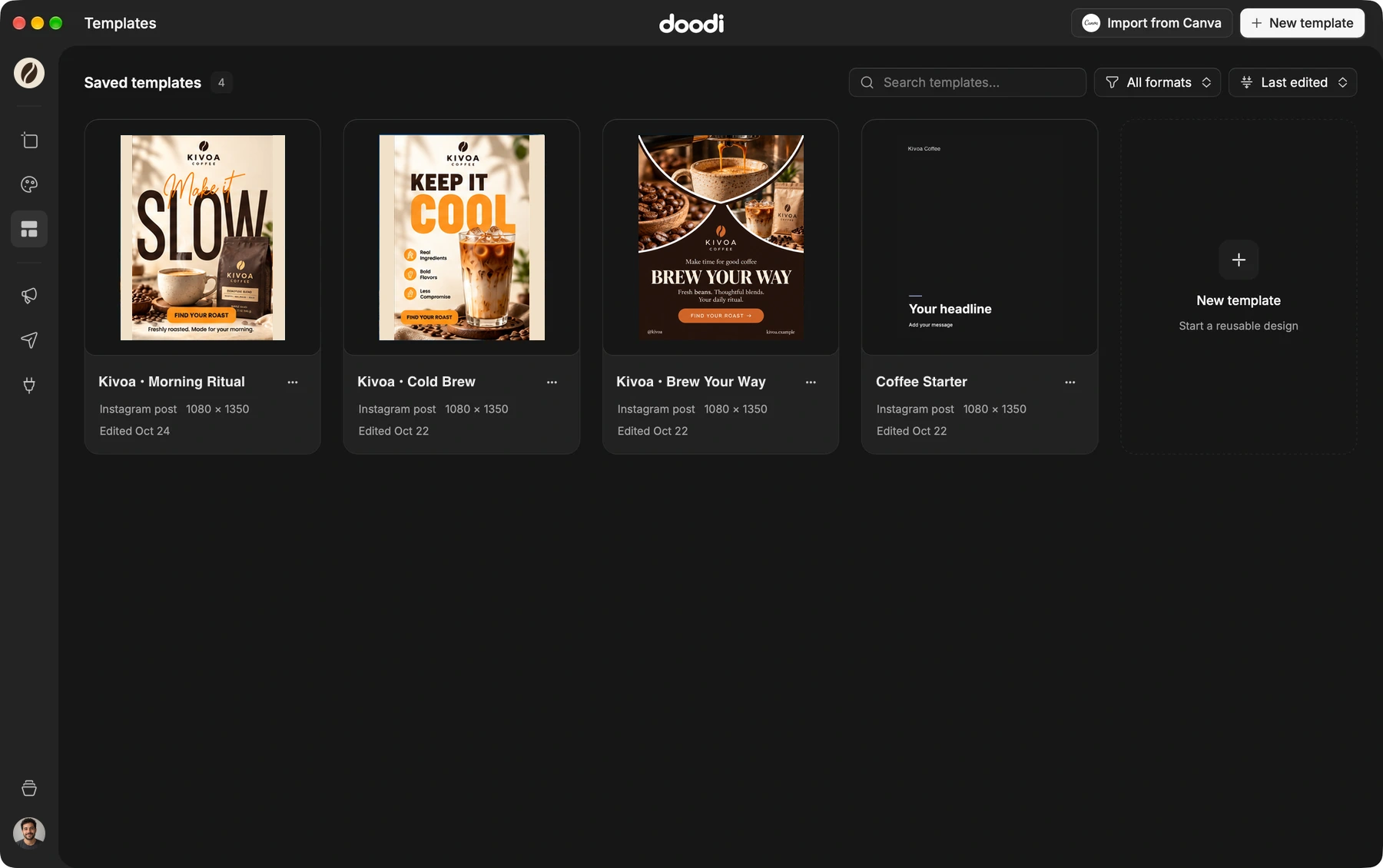
Doodi demonstration with fictional Kivoa Coffee content.
Turn an existing canvas post into a reusable template, or create a template directly with Doodi.
Browse complete artwork previews and find the right starting point for the next message.
Keep the conversation, live artboard and selected layer’s properties together while you work.
Use a template in a campaign and adapt its text, images and caption. The source stays available for the next post.
The steps to try it in your own workspace.
Open Templates or choose Save as template on an existing post.
Open Template Studio and edit its layers or ask Doodi for changes.
Choose Use in campaign or browse the campaign’s template picker, then adapt the new copy.
Answers about editable templates before you start.
No. Reusing a template creates an independent editable copy.
Yes. Import supported pages into the template library and inspect which layers remain editable.
Yes. Doodi can search the current project’s saved templates and use a suitable one for a campaign brief. You can also request an original design.
Templates are reusable sources. Add an independent copy to a campaign to use the publishing review flow.
Bring the brief, your brand and a good idea.
Make the next post in Doodi.