
Choose the destination
Connect available social accounts in Apps. Choose the intended destination when reviewing your campaign posts.
- Account selection during review
- Availability based on connected accounts and provider access
Move reviewed campaign artwork into a publishing plan. Check the destination, media and caption, then choose when the post should go out.
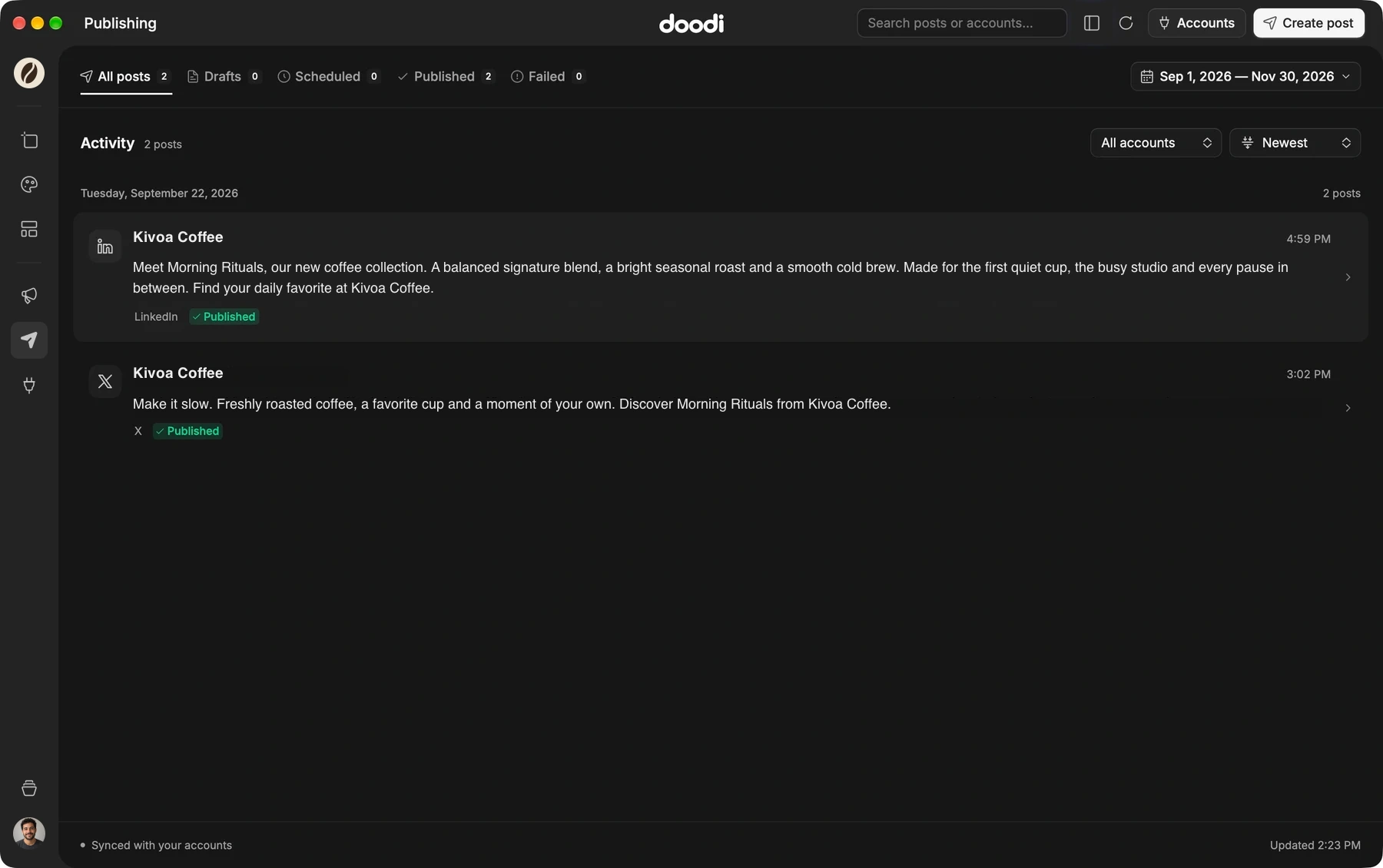
Doodi demonstration with fictional Kivoa Coffee content.
Connect available social accounts in Apps. Choose the intended destination when reviewing your campaign posts.
Check the artwork and wording together. Confirm which designs are included and their order before submitting.
Save a provider draft, schedule for a future date and time, or publish now after review.
Use Publishing to browse account activity and post status. Inspect a failure or uncertain result before trying again.
The steps to try it in your own workspace.
Open Apps and connect an available social destination.
Select finished campaign posts and review their images, captions, destination and composition.
Choose draft, schedule or publish, then check the result in Publishing.
Answers about social publishing before you start.
Availability depends on the connected accounts, configuration and platform approvals. Use the destinations available in Apps.
No. Editing a design does not automatically change a post already submitted to the publishing provider.
The standard license includes one year of publishing for three profiles. Renewals and additional profiles are separate. Check the current pricing page and your issued entitlements.
No. Acceptance confirms the provider received the submission. Check the provider status and any published link before treating it as live.
Bring the brief, your brand and a good idea.
Make the next post in Doodi.