Start with a brief
Tell Doodi what you are making and what the post needs to say. Attach the material that should guide it.
- Message, audience and requested format
- Images, documents and public website references
Bring the message, the audience and a direction. Doodi works with your project context to create a design you can keep changing, through conversation or directly on the canvas.
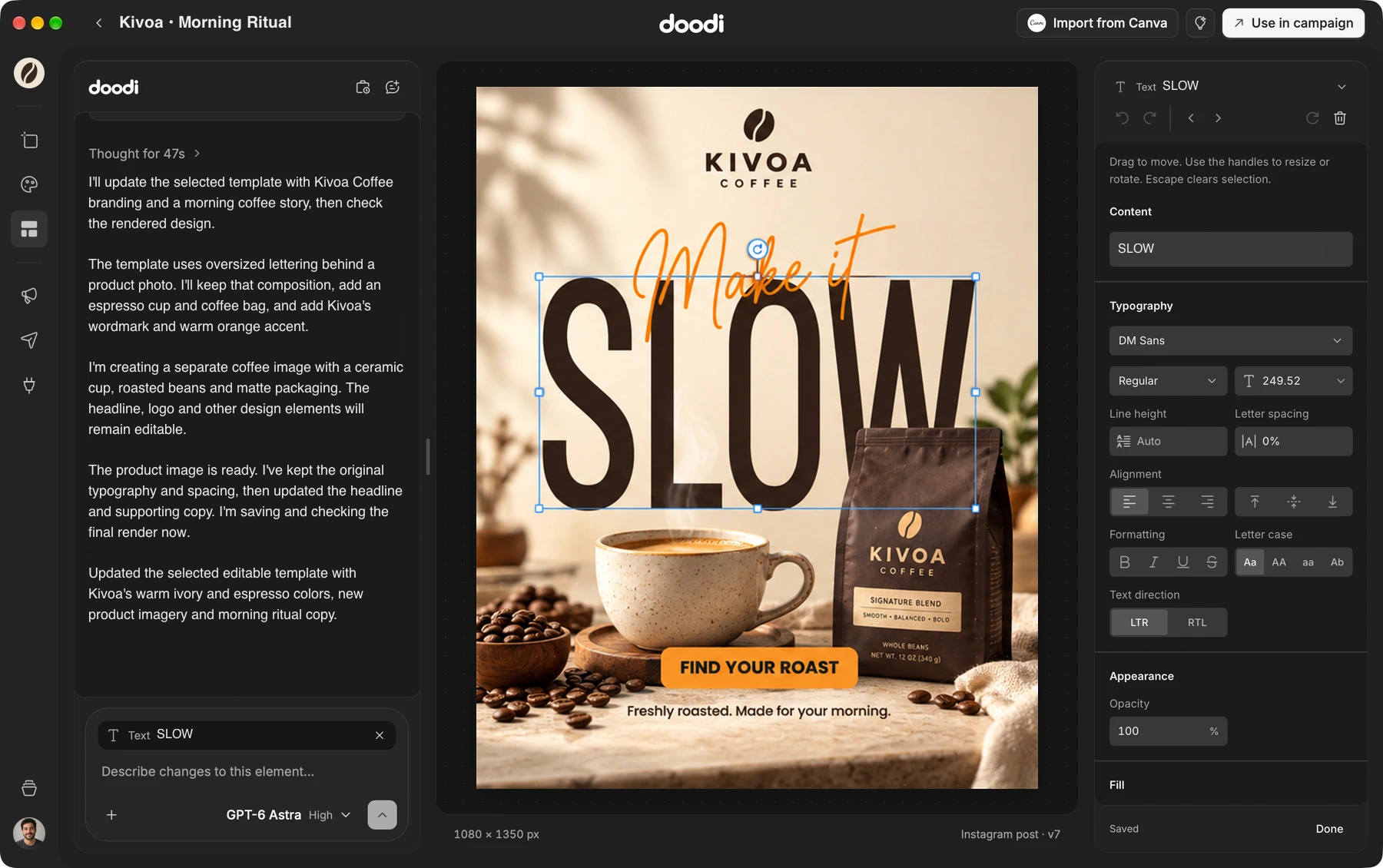
Doodi demonstration with fictional Kivoa Coffee content.
Tell Doodi what you are making and what the post needs to say. Attach the material that should guide it.
Your project keeps the facts, brand notes and assets available while Doodi designs. Specify the wording or artwork that must stay unchanged.
Doodi builds the composition with editable elements. You can change supported text and image properties after the first result is ready.
Select the post or the part you mean, then describe the next change. Review the saved artwork before moving on.
The steps to try it in your own workspace.
Choose the brand whose facts and assets should guide the design.
Open Doodi, add your brief and attach useful references. Include the format and exact facts.
Read the finished artwork, select a layer or annotate an area, then make the changes you need.
Answers about ai design before you start.
Doodi creates editable designs with supported text, image and layout elements. Generated photographs and illustrations remain image assets inside that design.
Yes. Attach an image or use Design similar from Inspiration. Doodi builds a new editable interpretation; review the result and use source material you have permission to use.
No. Connect supported AI access separately. Usage limits and any charges depend on that service.
Yes. Ask for a text-only draft or ideas in chat. A copy-only request can remain in the conversation.
Bring the brief, your brand and a good idea.
Make the next post in Doodi.