
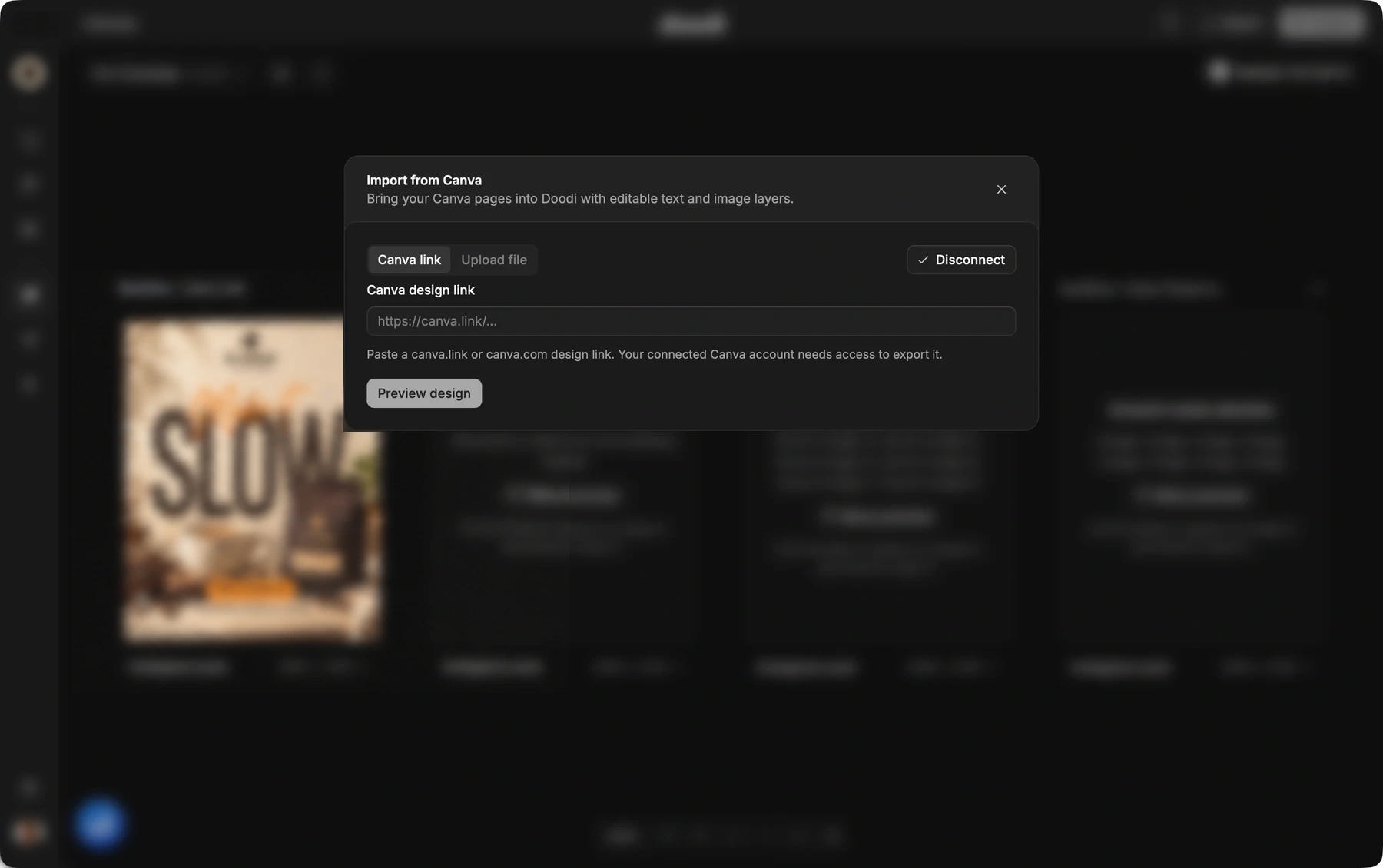
1. Open the import dialog
In a campaign canvas or Template Studio, choose Import from Canva. Use the Canva link tab for a design URL, or Upload file for an exported PDF.
2. Connect and preview a link
Connect your Canva account, paste the design link and request a preview. Your connected account needs export access, including access to any premium content in the design.
3. Or prepare a PDF
In Canva, export a PDF with Flatten PDF turned off. Upload a file up to 25 MB with no more than 20 pages. A flattened PDF can limit how much of the design remains editable.
4. Review the imported pages
Read the import notes and check text, image placement and fonts. Supported layers become editable. Some visual effects or elements remain images, and embedded fonts may not contain every character you need.
5. Adapt your Doodi copy
Change supported text and image properties, or ask Doodi to adapt the content. Save a reusable template or use the design in your campaign. The import does not change the original Canva file.