
Build the set
Create a campaign inside the right brand project. Its posts and conversation stay together as the work develops.
- Related posts in one campaign
- A saved conversation for each board
Keep the announcement, the follow-up and the story together. Zoom out to judge the campaign, then move closer to refine the post that needs attention.
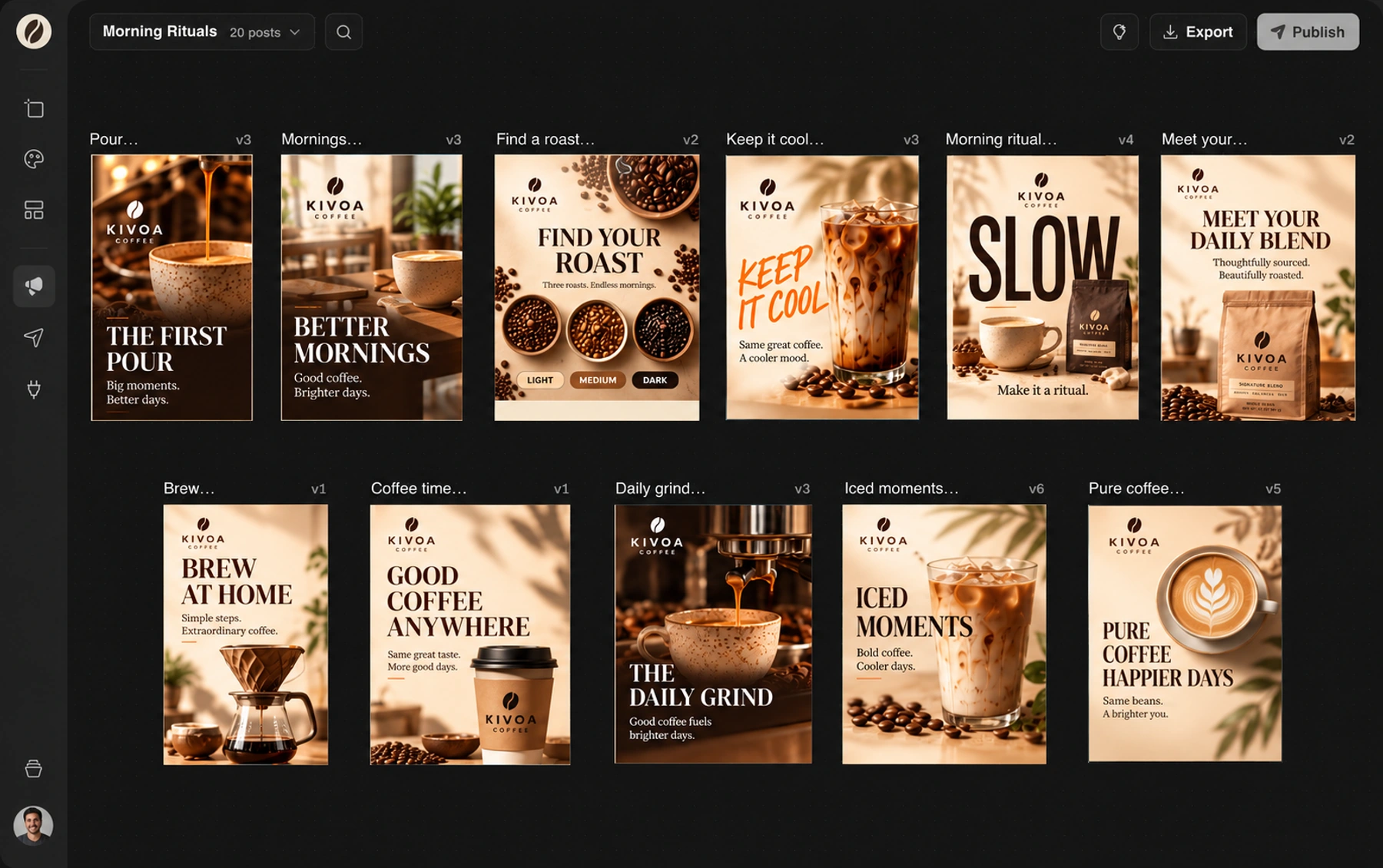
Doodi demonstration with fictional Kivoa Coffee content.
Create a campaign inside the right brand project. Its posts and conversation stay together as the work develops.
Move posts into a useful order and compare the designs side by side. Focus on one when you need to read the details.
Select the designs that need the next action. Review the selected set before resizing, exporting or entering publishing.
The separate project canvas holds reusable covers, profile images and website graphics alongside the brand’s campaigns.
The steps to try it in your own workspace.
Choose a project and start a campaign with a clear subject.
Create designs with Doodi or start from saved templates. Move related artwork together.
Inspect every design and its format, then export or open the publishing review.
Answers about campaign canvas before you start.
The project canvas holds ongoing brand artwork such as covers and website graphics. Campaigns group social posts and offer the publishing review flow. The project canvas has export controls.
Yes. Each project has its own brand context, assets, campaigns and template library.
No. You can design and export without connecting a social account.
Yes. Open Version history to preview a saved version beside the current design and restore it.
Bring the brief, your brand and a good idea.
Make the next post in Doodi.