
1. Write a brief with real facts
Choose the project for the brand. Add the campaign goal, intended audience, key message and requested formats. Include confirmed dates, prices or offers if they belong in the posts. Say which wording must stay unchanged.
2. Add the assets that matter
Use Brand & assets to collect the logo and images you have permission to use. Add useful website sources and brand notes. Tell Doodi which material is a reference and which must appear in the final design.
3. Build the set
Create the campaign and describe the posts you need. Ask for different messages or compositions where the campaign calls for them. Use saved templates when you want a familiar layout. Keep each post focused on its own purpose.
4. Review at two scales
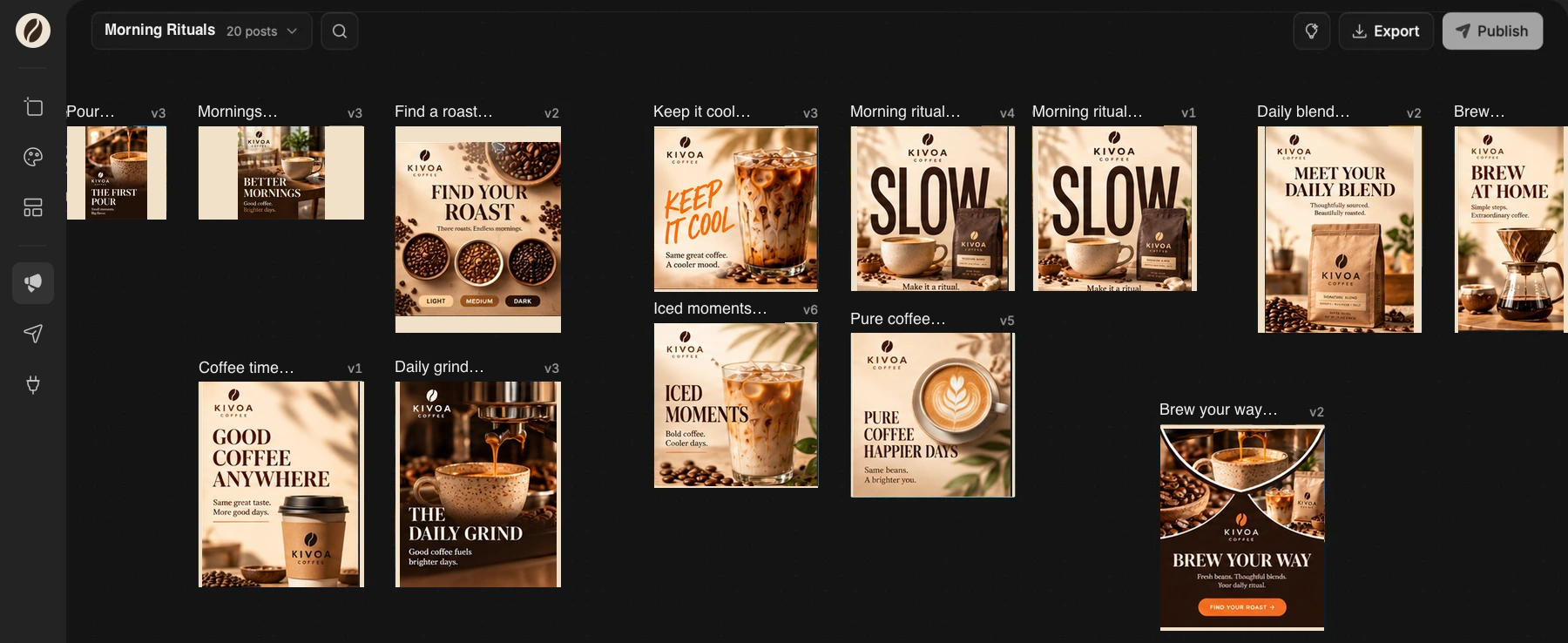
Look at the canvas as a whole to check consistency and repetition. Then focus on individual posts to read the copy and inspect the images. Select a layer or area to request a specific correction.
5. Prepare the right versions
Create the required feed, portrait or story layouts. Inspect each version after resizing. Export the images, or send reviewed campaign posts through an available connected social account.